Personal CSVs with AINew
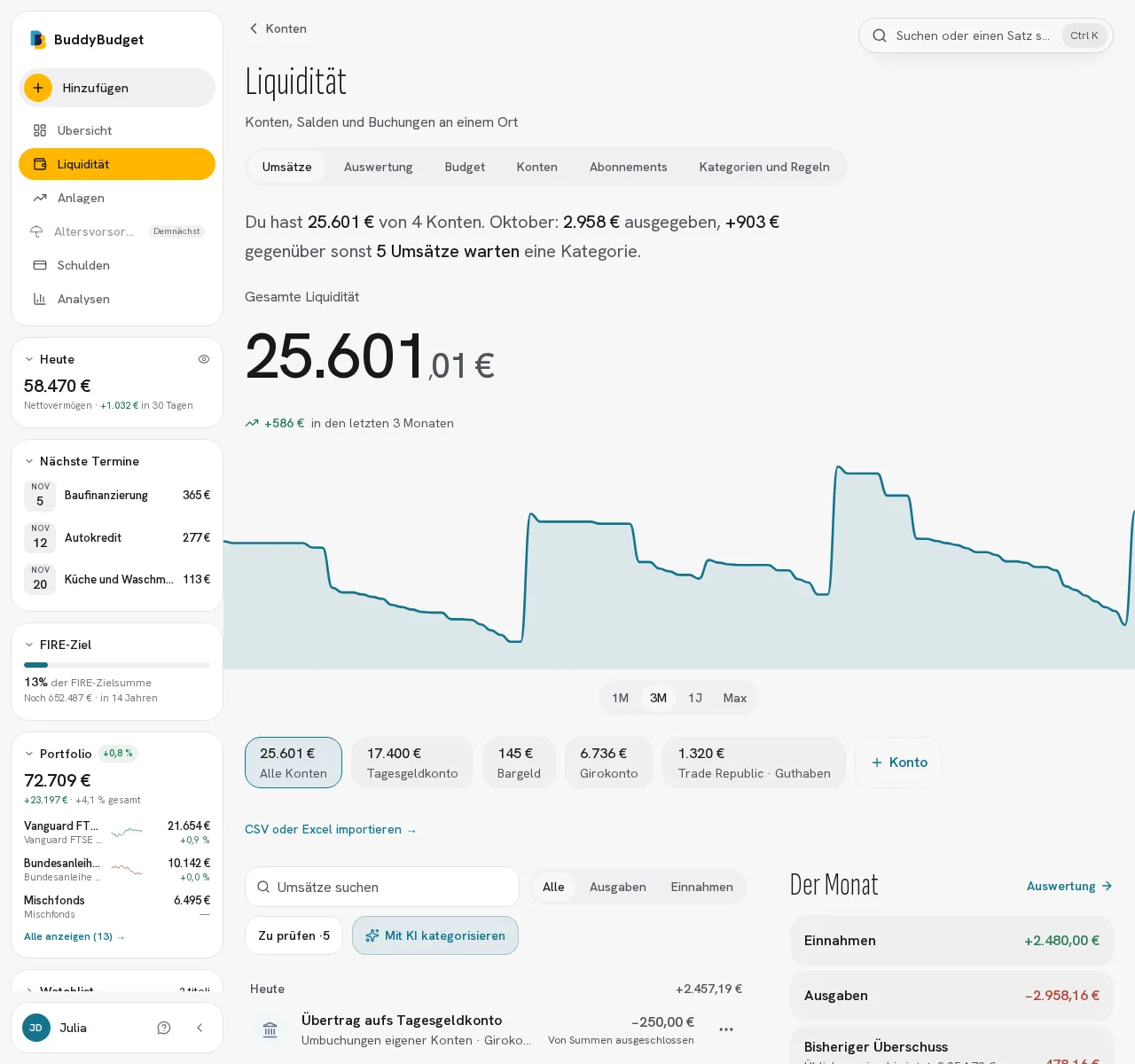
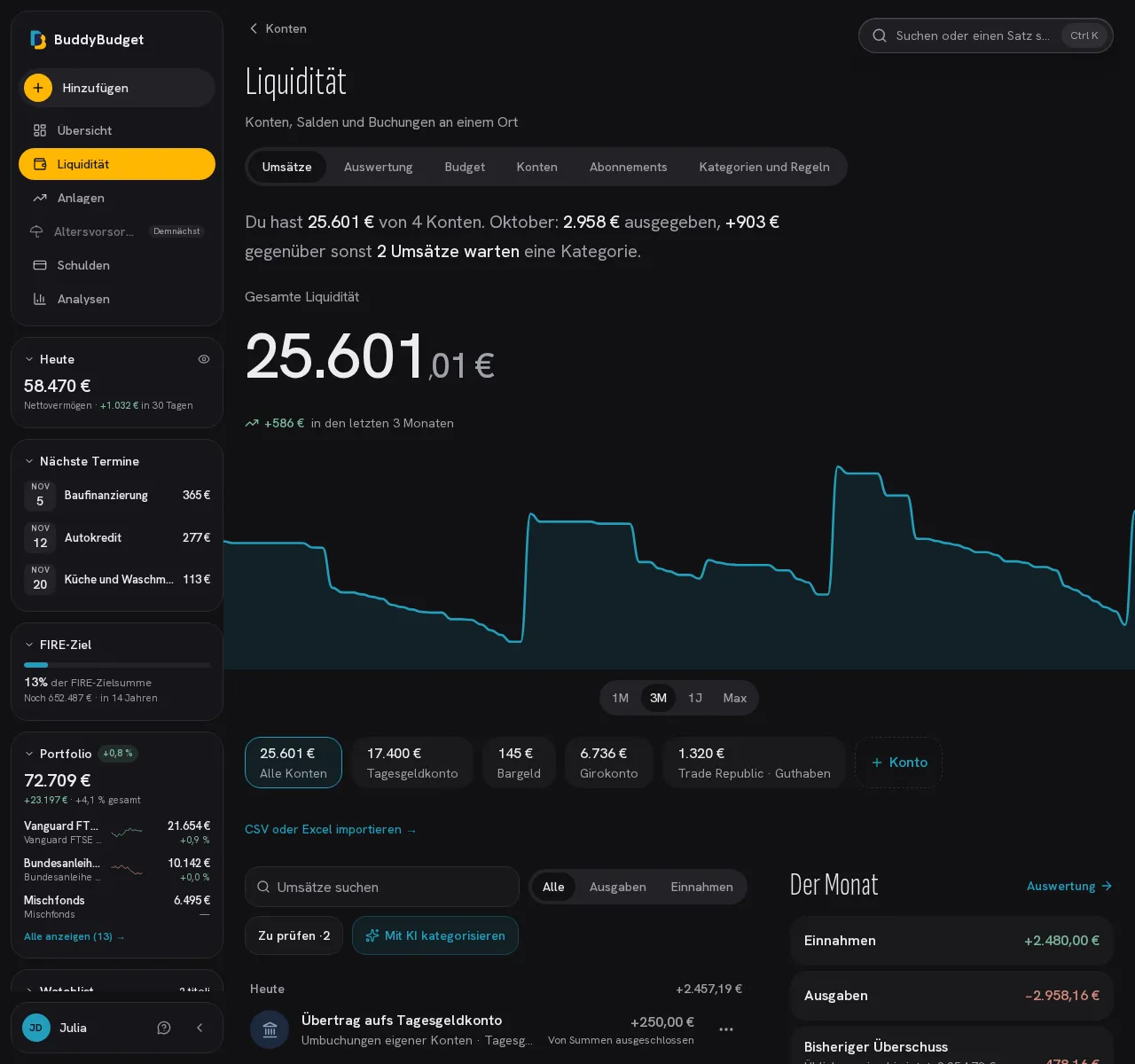
Upload the CSV of a bank or broker we don't know: we read it in the background and remember the institution and the columns of its format. If the saved reader fails, we try again with the AI you have authorized and send a technical report to support. If the file has your bank's own category column, transactions get the matching category right away. You get an email when the import is done.
Trade Republic direct connectionNew
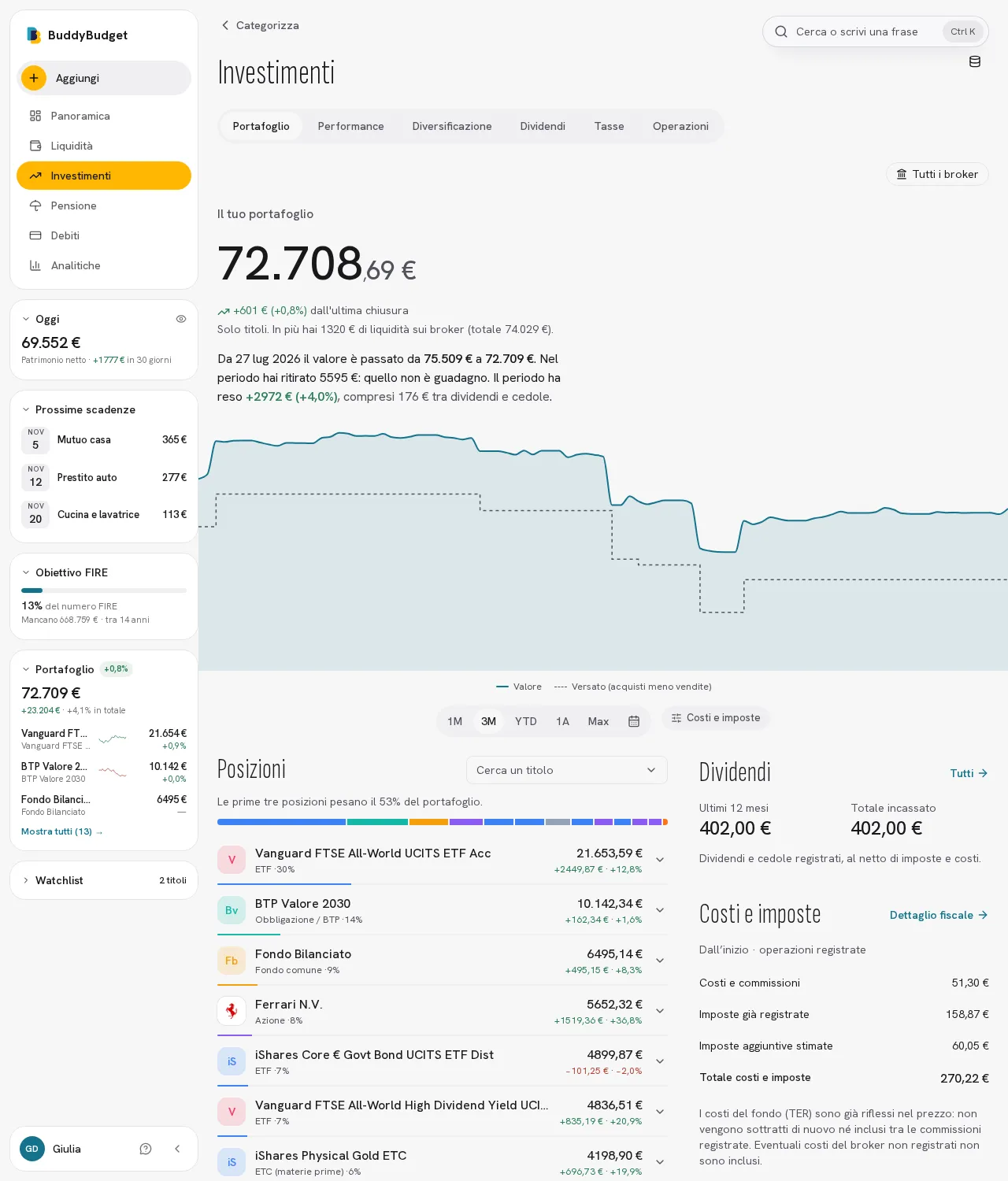
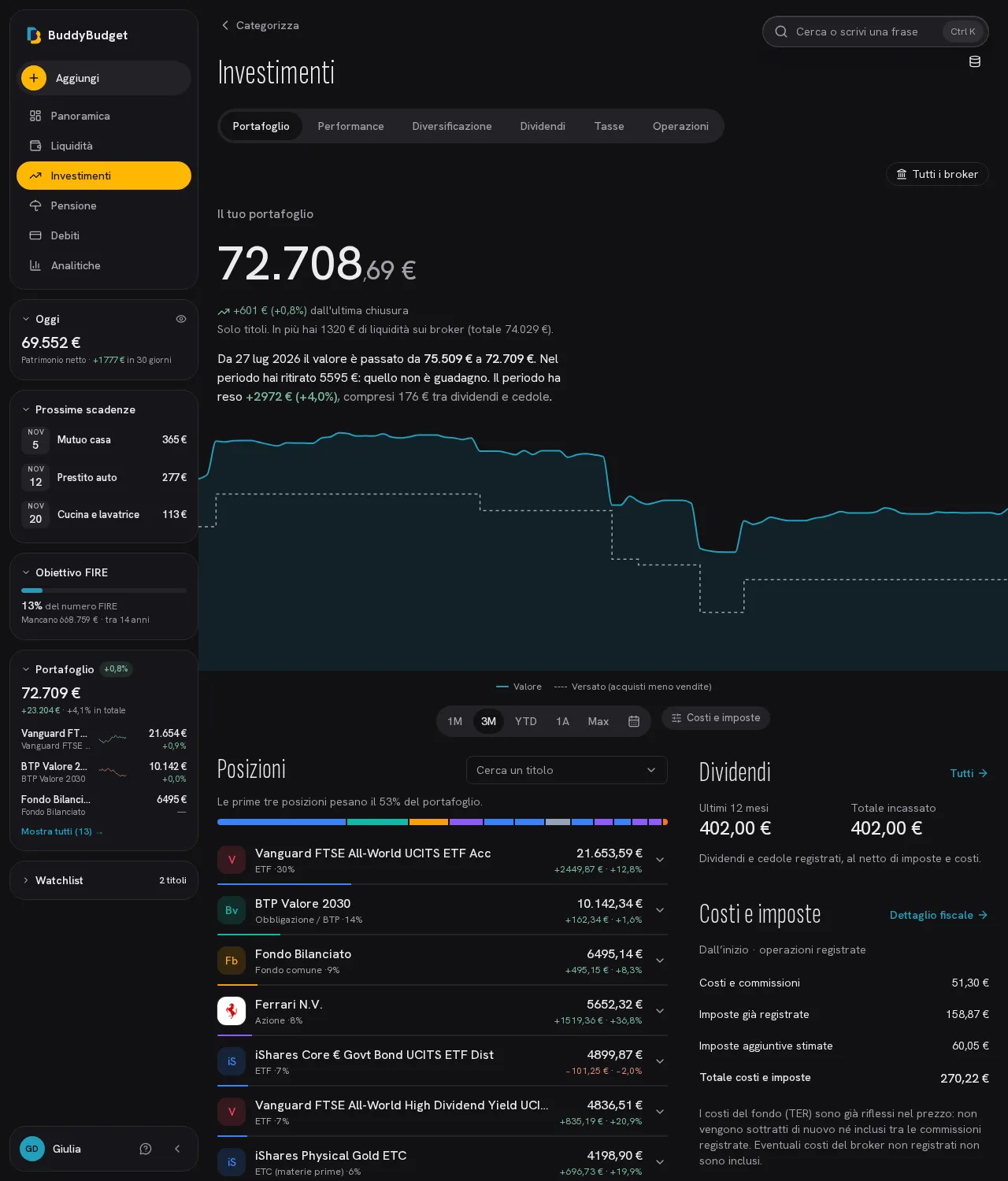
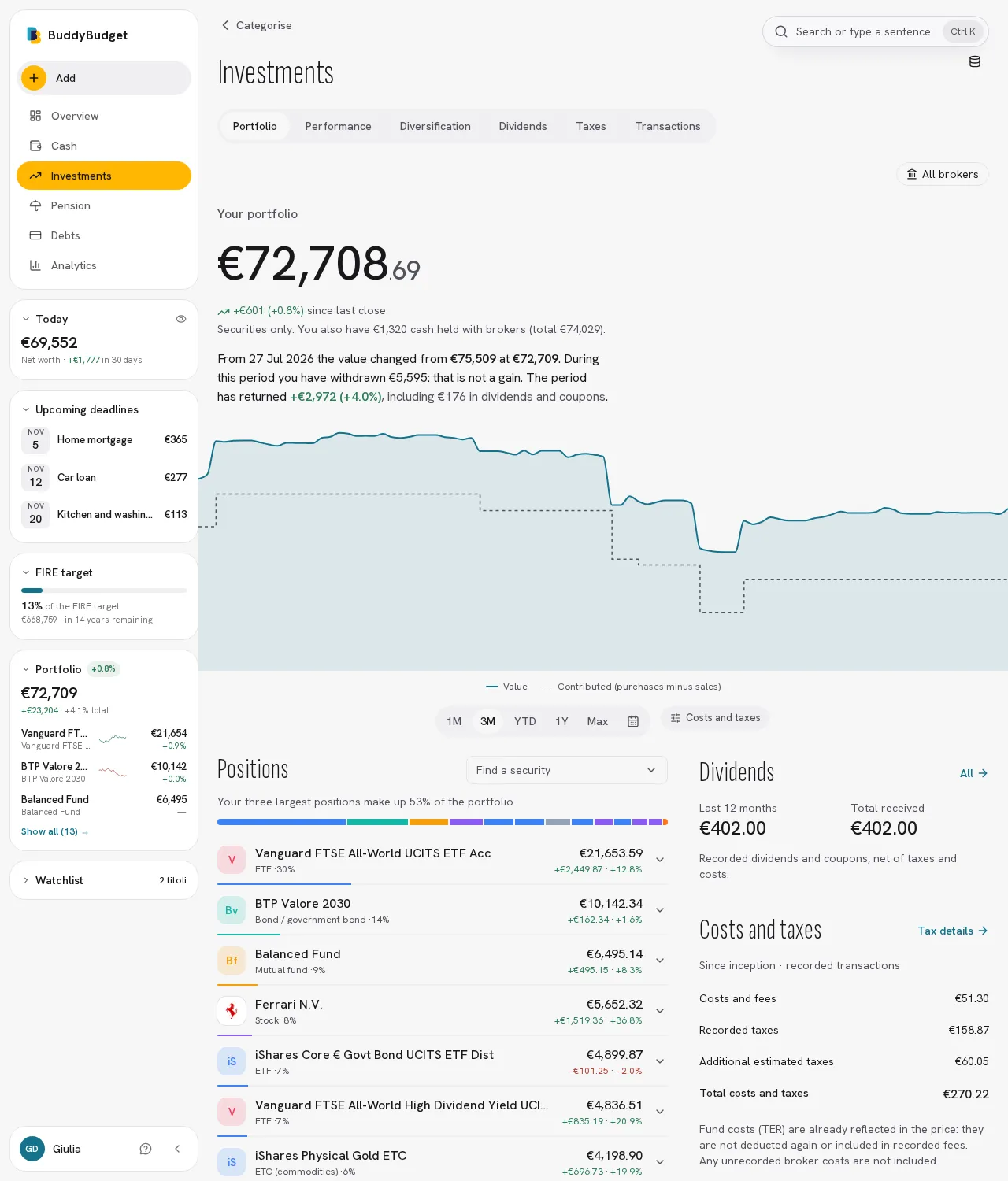
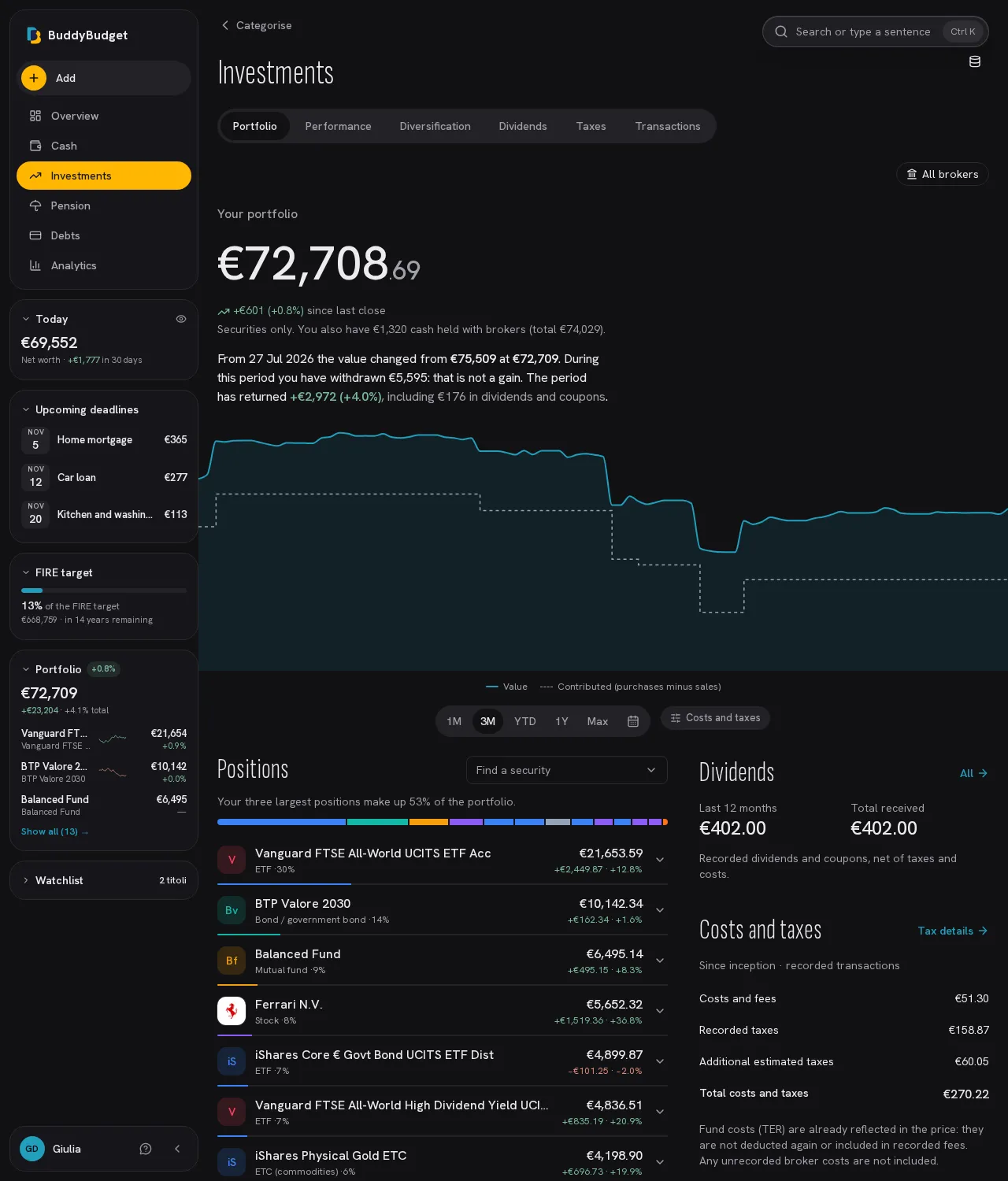
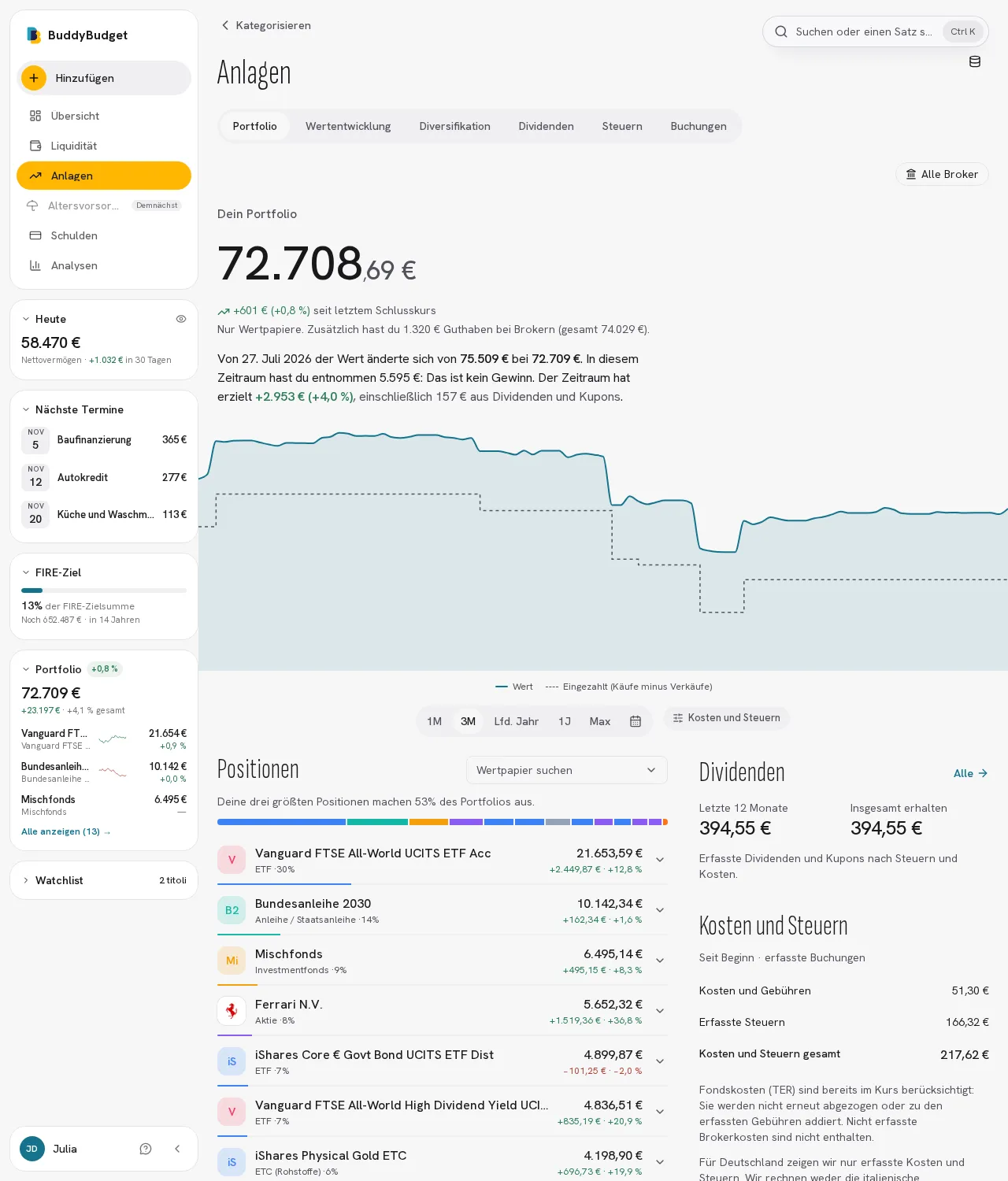
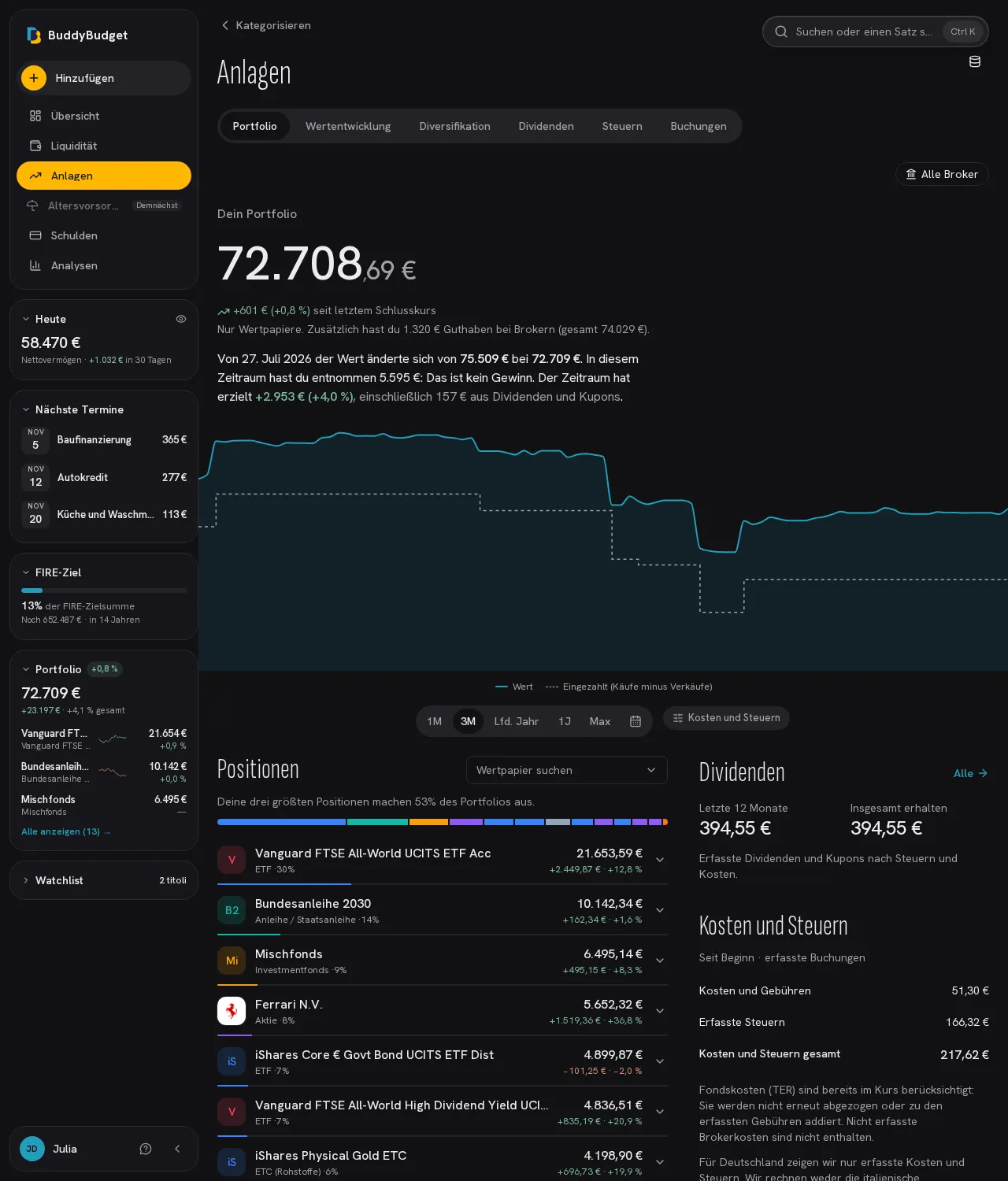
Sign in with phone and PIN, then approve in the Trade Republic app. Read your EUR cash balance and transactions, and your trades and savings plans into Investimenti, directly, without CSV files. Session credentials stay encrypted on the server; update with Sync now.
Bank connectionComing soon
Balances and transactions straight from your bank through Open Banking, read-only. Coming soon: until then you import the bank statement, and “Keep me posted” tells you when it is ready.
Manual accounts
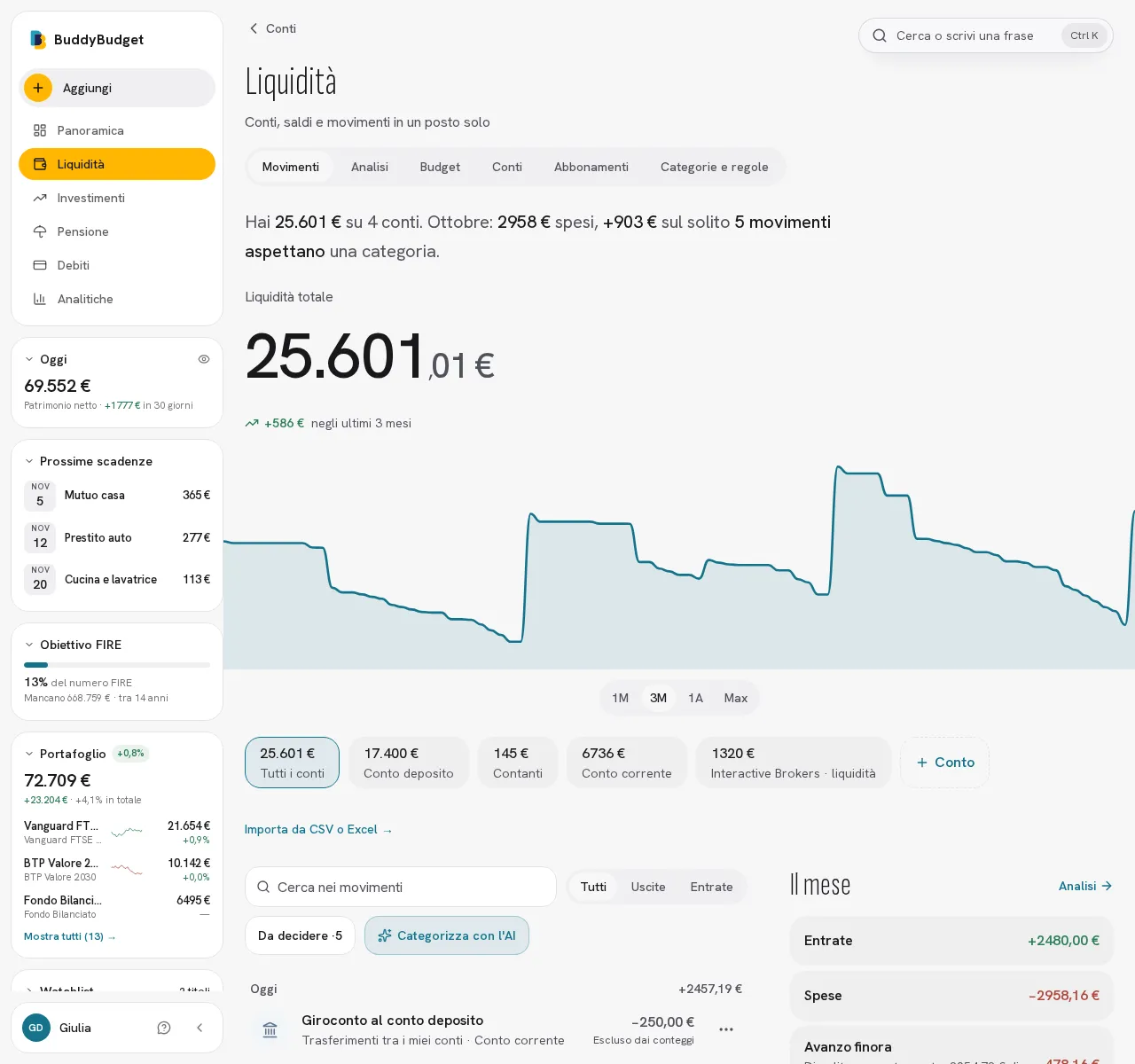
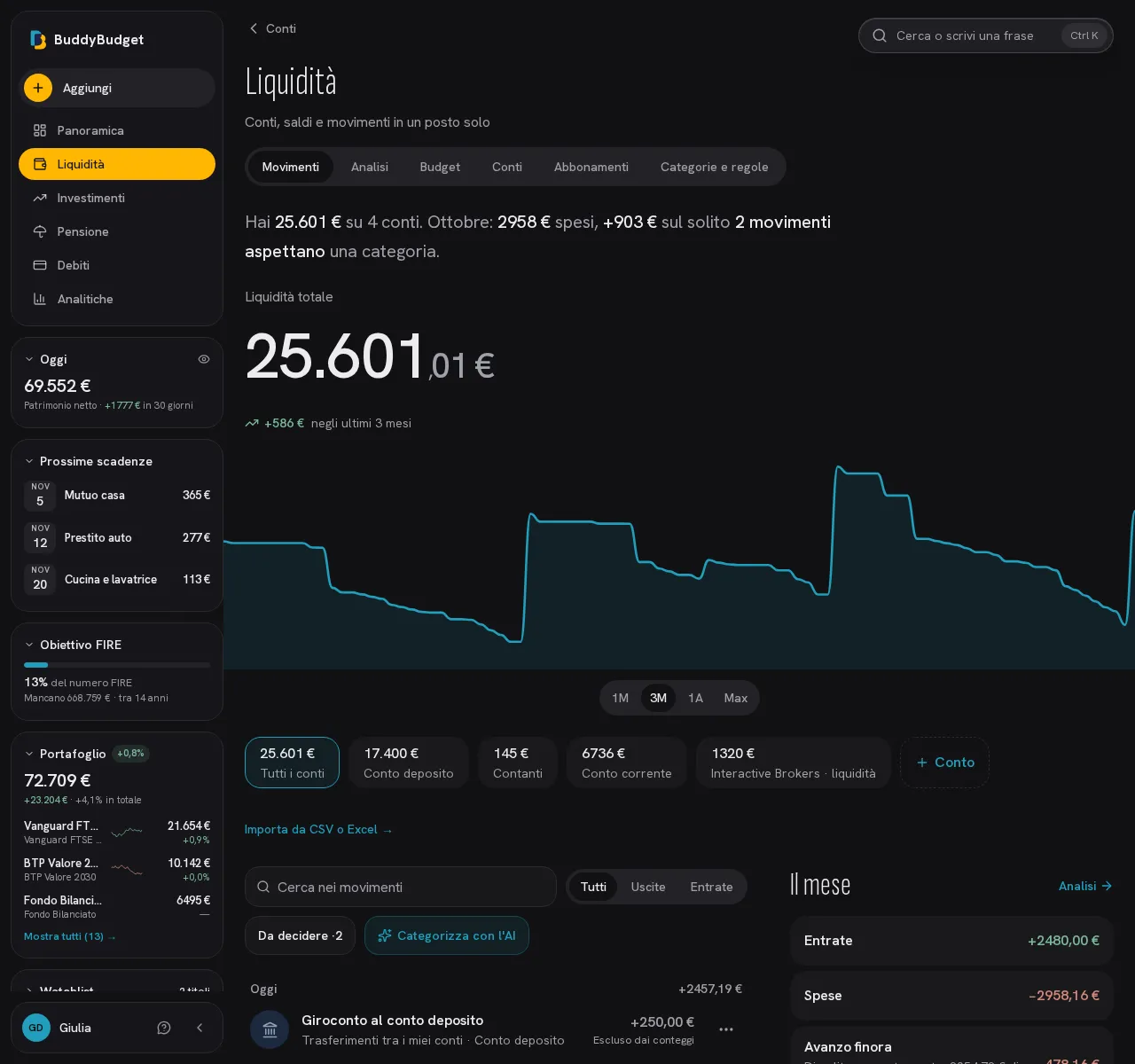
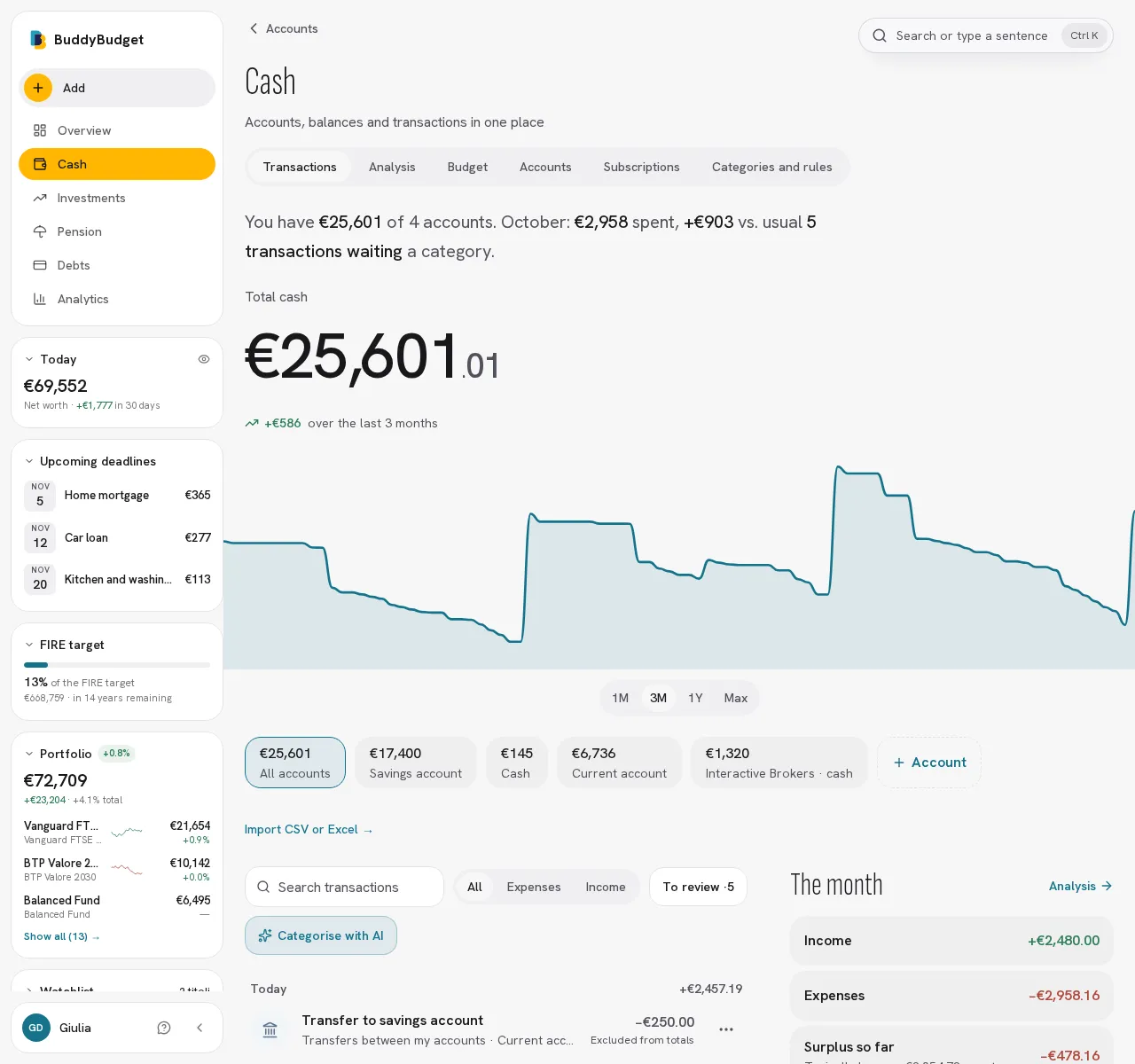
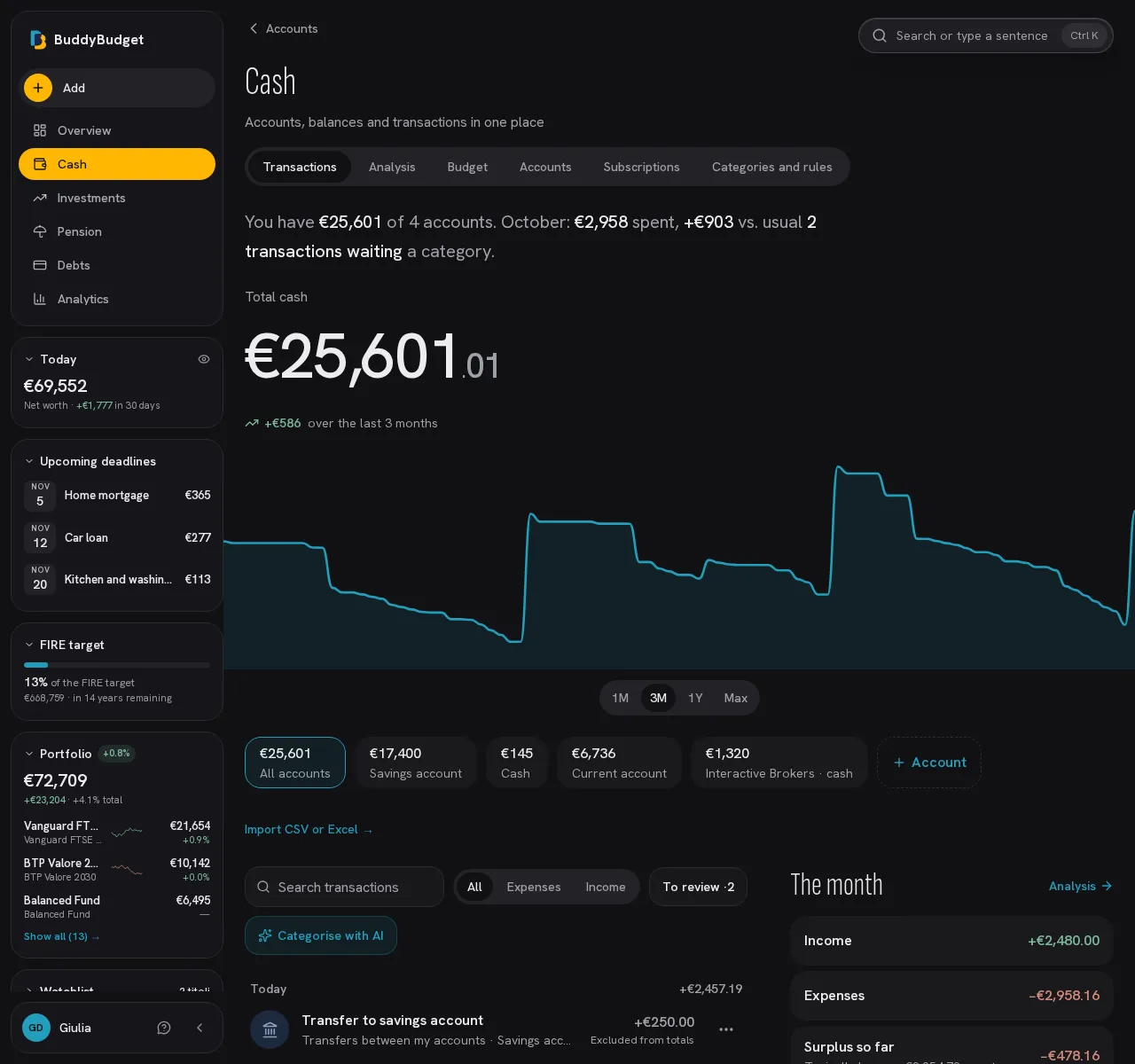
For cash, prepaid cards or any bank. The balance follows the transactions you add; tap the account to correct it or change its name and icon.
Categorize with AINew
If you turn it on, the assistant suggests a category for every transaction type, including payments to people and transfers. Suggestions that are at least 70% sure apply themselves and you review them in “Set by the app”; you confirm the others with a swipe, one card at a time. It uses the cleaned counterparty name, which may name a person, and your personal instructions, which you can change in Settings.
Ready-made categoriesNew
When you sign up you get 24 categories already split by type of spending: confirm them with one tap, or remove, rename or add your own.
Automatic categorizationNew
Your rules, and categories that are at least 70% sure, apply themselves, and a new rule takes effect right away. In “Set by the app” you see what was set, with the merchant's logo, the dates and where it came from (a rule, your past choices, AI or your bank's file), and you fix it with one tap. “Recategorize” redoes the automatic categories with today's rules, with a preview and undo.
Four spending groups
Needs, Wants, Future you and Occasional, with colors and icons you choose.
Transaction detailsNew
Tap a transaction to see everything: where it came from, who chose its category and why, the bank's own text, your note and how much you spent at the same merchant in the last year. With the assistant on, you can also ask the AI which category it would pick.
Transfers between your accountsNew
Put transfers in their own category: they stay visible in your transactions and are left out of income and spending.
Split and exclude
Leave out all or part of refunds, transfers and shared expenses: pick Half, A third or an amount, and see right away how much is yours.
Budget per categoryNew
Budgets proposed from your own months, how much you can still spend today and where the month is heading; what you don't spend on occasional costs carries over to the next month.
Analysis and cash flow
Income, spending, net and savings, month by month and by category.
SubscriptionsNew
Finds recurring charges (streaming, gym, insurance) and you confirm them with one tap. See the cost per month and per year, the next charge and price increases. Worked out from your transactions, without AI.